
The Kodak Z612 digital camera user manual provides setup, shooting, video, storage, and troubleshooting instructions.
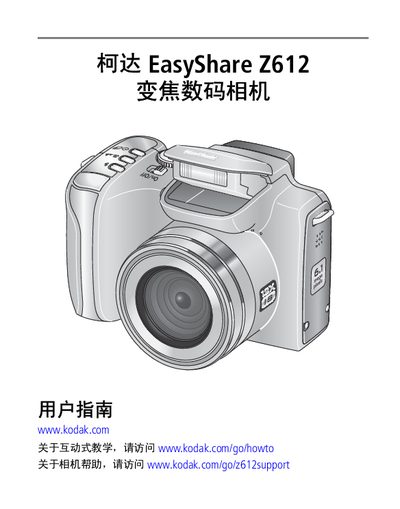
This guide explains how to set up the Z612, including battery charging, inserting SD or MMC cards, selecting language and date, and configuring basic camera functions. It also covers power management, LCD screen operation, and accessory connections such as the USB and tripod ports.
The manual details photo and video shooting modes, resolution and quality settings, flash and focus options, and how to review, delete, and protect images. It describes transferring and printing photos via EasyShare software, using the base station, and provides troubleshooting steps for common issues. This manual is written in Chinese.
| Maximum photo resolution | 6 MP (default) |
|---|---|
| Default video resolution | 640×480 |
| Battery type | CRV3 lithium (non‑rechargeable) and rechargeable lithium |
| Supported memory cards | SD and MMC |
Charge the battery before first use; charging takes about 3 hours. Red indicates charging and green indicates full charge.
Press the Menu button, select the Photo Resolution option, and choose the desired megapixel setting.