
This manual introduces the basic use of the KODAK DX3500 camera. It mainly includes the camera's power on/off, battery installation, taking pictures, viewing photos, customized settings, software installation and other content.
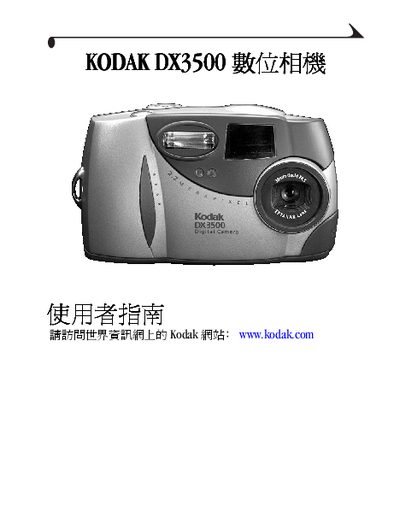
This guide explains how to set up the Kodak DX3500, insert the battery and memory card, and navigate the menu system. It covers basic operations such as taking photos, using the flash, digital zoom, and reviewing images on the LCD screen.
Additional sections describe video output via USB, software installation on a computer, using the Camera Dock accessory, and troubleshooting common issues. The manual also includes specifications, language selection, and contact information for Kodak support. This manual is written in Chinese.
Select the format option in the camera menu to format the memory card.
The manual includes a troubleshooting section for both the camera and the Camera Dock, and provides Kodak online service and support contact information.