
The Kodak DX6440 user manual provides setup, shooting, and troubleshooting instructions for this digital camera.
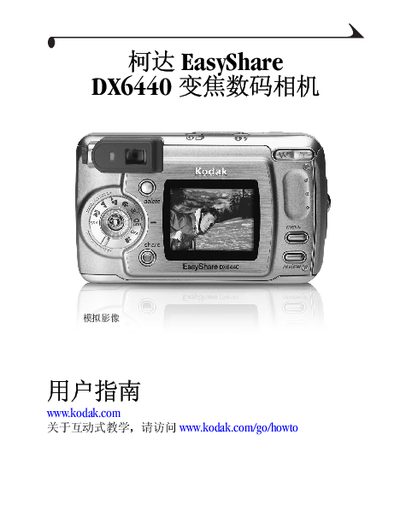
This guide introduces the Kodak DX6440 digital camera, covering hardware overview, battery installation, and basic operation such as powering on, setting the date and time, and navigating the menu. It also explains how to insert SD/MMC cards, use the optical zoom, and adjust exposure settings.
Advanced sections describe flash usage, self‑timer, burst shooting, video recording, and how to connect the camera to a computer via USB or to a TV for playback. The manual includes a detailed appendix with camera specifications, battery information, and troubleshooting tips. This manual is written in Chinese.