
Keysight M9484C VXG Vector Signal Generator Configuration Guide

This guide details how to configure the Keysight M9484C VXG Vector Signal Generator, including channel selection, system features, software options, and…
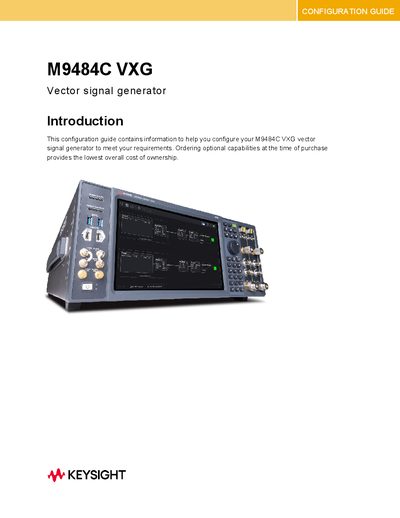

Keysight M9484C VXG Vector Signal Generator Configuration Guide - cover page
Brand
Keysight
Category
Signal Generators
Document type
User Manual
Language
English
Pages
15
File format
PDF
File size
932 KB
Published
15 October, 2026
Updated
15 October, 2026
MD5 checksum
A084481DC1A9EA8E8C6F48604C1D0697

About this manual

This configuration guide provides instructions for ordering and configuring the Keysight M9484C VXG Vector Signal Generator to meet specific requirements. It explains how to select the number of channels and order system features that are ordered once per instrument, such as flexible reference inputs and phase coherence.

What's inside

  • Introduction
  • About the M9484C VXG
  • Configure Hardware
  • Select number of channels
  • Select system features
  • Select channel features
  • Frequency options
  • Bandwidth options
  • Reference options
  • Select accessories

Frequently asked questions

What is the maximum RF bandwidth available for the M9484C?

The maximum RF bandwidth is 2.5 GHz with 256 MSa memory.

What is the frequency range for the M9484C -554 option?

The frequency range is 9 kHz to 54 GHz.

Which accessory is required when stacking additional instrumentation on the M9484C?

The Y1276A Cooling spacer kit is required.

Download PDF (932 KB)

More Keysight Manuals


View all Keysight manuals →