
The KEYENCE FS‑V22R user manual provides step‑by‑step instructions for setup, calibration, operation and configuration of the fiber sensor.
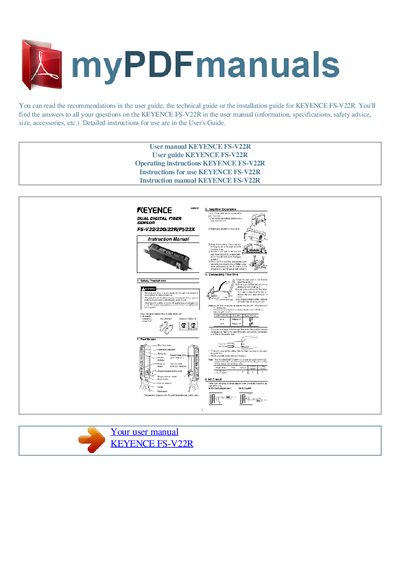
This manual explains how to calibrate the FS‑V22R fiber sensor for accurate workpiece detection. Positioning calibration is performed by pressing the set button without a workpiece, and two‑point calibration uses measurements with and without the workpiece to compute the average value.
The document also covers output mode selection (light‑ON or dark‑ON), sensitivity adjustments, access mode settings (EASY/FULL), power‑mode options, and timer functions with adjustable ranges. Safety advice and accessory information are included throughout.
| Timer adjustment range | 1‑30 ms (1 ms steps), 30‑50 ms (2 ms steps), 50‑200 ms (10 ms steps), 200‑500 ms (50 ms steps) |
|---|---|
| Maximum error of PV | ±10 % of the PV |
Press the set button for a moment without the workpiece in the sensing area; when the setting is finished the display shows the PV in green.
Press the mode button; the sensor toggles between light‑ON and dark‑ON modes.
Use the timer function setting; the timer can be adjusted in ranges from 1 ms to 500 ms with various step sizes.