
User manual for JVC DLA‑RS620, DLA‑RS520 and DLA‑RS420 D‑ILA projectors covering setup, operation, safety and troubleshooting.
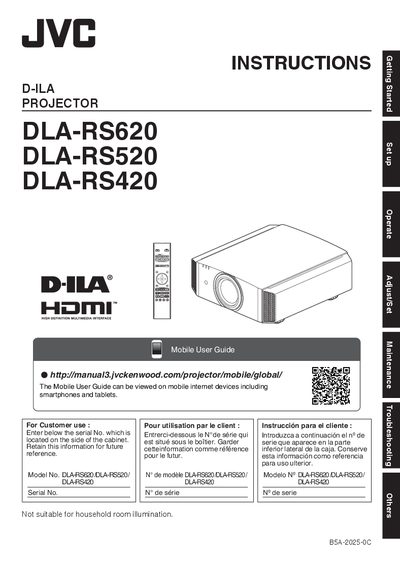
This manual provides step‑by‑step instructions for installing, configuring and operating the JVC D‑ILA projector series (DLA‑RS620, DLA‑RS520, DLA‑RS420). It includes safety precautions, wiring diagrams, remote‑control usage, 3D viewing guidelines and maintenance procedures such as lamp replacement.
The document also contains detailed specifications, accessory lists, and troubleshooting tips to help users achieve optimal image quality and ensure safe, reliable operation of the projector in home or professional environments.
| Power supply voltage | AC100V – AC240V |
|---|---|
| Lamp type | High pressure mercury lamp |
| Replacement lamp part number | PK‑L2615U 03D |
| Grounding plug | Three‑wire grounded plug |
Use only the power cord designated by the dealer that matches the local AC outlet and voltage rating.
The lamp contains mercury; dispose of it according to local regulations and contact an authorized dealer for recycling.
No, looking into the projection lens while the illumination lamp is on can cause eye injury.