
Juniper Systems Allegro Top Mount Bracket Installation Guide

Seven-step guide to installing the top mount bracket on a Juniper Systems Allegro.
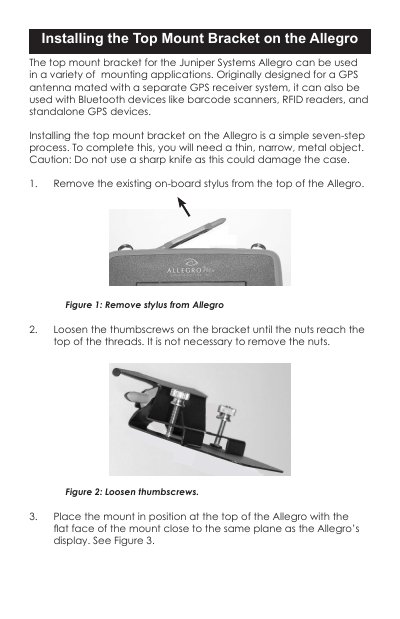

Juniper Systems Allegro Top Mount Bracket Installation Guide - cover page
Brand
Juniper Systems
Category
Other Electronics
Document type
Installation Guide
Language
English
Pages
4
File format
PDF
File size
621 KB
Published
21 November, 2026
Updated
21 November, 2026
MD5 checksum
680F75349C5B5772351F0395E27570C1

About this manual

This document explains how to install the top mount bracket on a Juniper Systems Allegro. The bracket was originally designed for a GPS antenna with a separate GPS receiver system and can also be used with Bluetooth devices such as barcode scanners, RFID readers, and standalone GPS devices. Installation is a seven-step process that requires a thin, narrow, metal object; a sharp knife should not be used because it could damage the case.

What's inside

  • Remove existing on-board stylus
  • Loosen thumbscrews
  • Place mount in position
  • Rotate stylus into place
  • Work rubber tabs around stylus
  • Position bracket tabs into screw holes
  • Tighten thumbscrews
  • Required thin narrow metal object
  • Caution against sharp knife

Frequently asked questions

What tool is needed to install the bracket?

A thin, narrow, metal object is needed.

How many steps are in the installation?

The installation is a simple seven-step process.

Can a sharp knife be used?

No, a sharp knife should not be used because it could damage the case.

Download PDF (621 KB)

More Juniper Systems Manuals


View all Juniper Systems manuals →