
This manual provides instructions for the setup, operation, and maintenance of the Juniper Systems Mesa Rugged Notepad, a rugged handheld device for data…
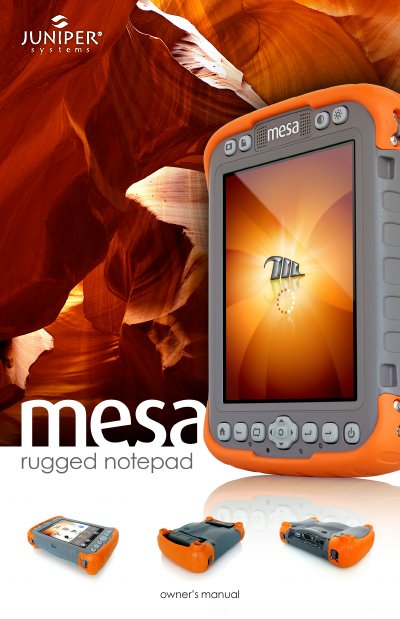
The Juniper Systems Mesa Rugged Notepad is a rugged handheld computer designed for data collection in harsh environments. It features a Windows Mobile 6.5 operating system, a daylight-readable VGA display, and connectivity options including Bluetooth, Wi-Fi, and an optional cellular modem. The device is built with a magnesium alloy case and supports dual battery packs for extended operation.
| Operating System | Microsoft Windows Mobile 6.5 |
|---|---|
| Processor | Marvell XScale 806 Mhz |
| Memory | 256 MB RAM |
| Primary Data Storage | 4 GB Flash Storage |
| Display Resolution | 640 x 480 pixel |
| Dimensions (Standard) | 5.3" x 7.5" x 2" |
| Weight (Standard with one battery) | 1.9 lbs (862 g) |
The Mesa is designed to use 1 or 2 battery packs, with two packs extending operating time.
Geo 3G models should always use two battery packs.
Yes, the display is designed to be outdoor viewable.