
Multilingual guide for setting up Windows devices with Microsoft or offline accounts for organization and personal use.
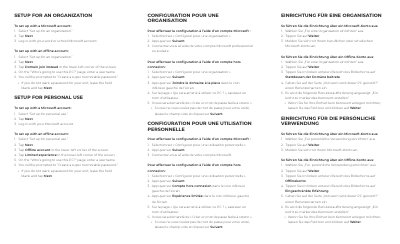
This document provides step-by-step instructions for configuring Windows on Juniper Systems devices. It covers two primary scenarios: setup for an organization and setup for personal use. Each scenario includes procedures for signing in with a Microsoft account (work/school or personal) and for creating an offline (local) account without a Microsoft account.
The guide is presented in English, French, German, and Spanish. For organization setup with an offline account, the user selects "Set up for an organization," chooses "Domain join instead," enters a username, and optionally creates a password or leaves it blank. For personal use with an offline account, the user selects "Set up for personal use," chooses "Offline account" and "Limited experience," then enters a username and optional password. Contact information for Juniper Systems in the USA and UK is included at the end of the document.
Yes, you can leave the password field blank and tap Next to set up the device without a password.
Juniper Systems publishes this guide, with contact information for their US and UK offices.