
This manual introduces the standard features of the Juniper Systems Mesa 2, including the Windows 10 Pro operating system, display and touchscreen, keypad features, power management, LED activity indicators, light sensor, connector ports, audio features, sleep, reset, hibernate, power off, etc.
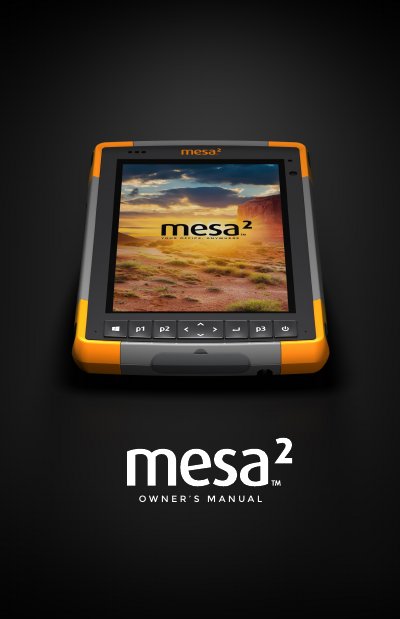
The Juniper Systems Mesa 2 is a durable, chemical- and shock-resistant tablet running Windows 10 Pro. It features a 7-inch WXGA capacitive touchscreen, programmable keypad with backlighting, and various connectivity options including Wi-Fi, Bluetooth, and optional 4G LTE. The device includes standard accessories such as a removable lithium-ion battery pack, AC wall charger, and stylus.
| Operating System | Microsoft Windows 10 Pro |
|---|---|
| Processor | Quad-core Intel Atom Z3745 |
| Memory | 4 GB RAM (LPDDR3) |
| Primary Storage | 64 GB or 128 GB flash storage |
| Display Resolution | WXGA 800 x 1280 pixel resolution |
| Battery Capacity | 3.6 VDC 2000 mAh, 43.2 Whr |
| Run Time | up to 20 hours |
English, French, German, Spanish, and Brazilian Portuguese are included by default.
The battery pack should be charged at room temperature for 6 hours during the initial setup.
Yes, it supports use with gloves, a small tip stylus, and in wet conditions.