
Datasheet for JUMO SVS3000 plant visualization software featuring batch-related data reporting, evaluation, and predefined graphic objects for JUMO devices.
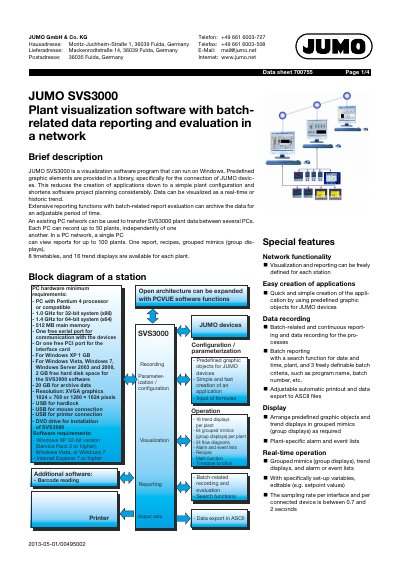
JUMO SVS3000 is a plant visualization software program designed for Windows that simplifies application creation using predefined graphic objects for JUMO devices. It supports real-time and historic trend visualization, extensive reporting functions with batch-related evaluation, and data transfer within a PC network. This manual is written in German.
| Processor requirement (32-bit) | Pentium 4 processor or compatible 1.0 GHz |
|---|---|
| Processor requirement (64-bit) | 1.4 GHz |
| Main memory | 512 MB |
| Hard disk space (Windows Vista/7) | 2 GB |
| Trend displays per plant | 16 |
| Grouped mimics per plant | 64 |
| Flow diagrams per plant | 24 |
| Maximum plants managed per PC | 50 |
| Maximum plants displayed per PC | 100 |
| Supported languages | German, English, French |
The software requires a PC with a Pentium 4 processor (1.0 GHz for 32-bit or 1.4 GHz for 64-bit), 512 MB main memory, and a free serial or PCI port.
Yes, it supports Windows XP 32-bit version (Service Pack 2 or higher), Windows Vista, or Windows 7.
A single PC can manage up to 50 plants independently.
The software is available in German, English, and French upon request.