
User manual for the JRC JAX-91 Weather Fax, covering operation modes, system flexibility, specifications, and optional items for receiving weather broadcasts.
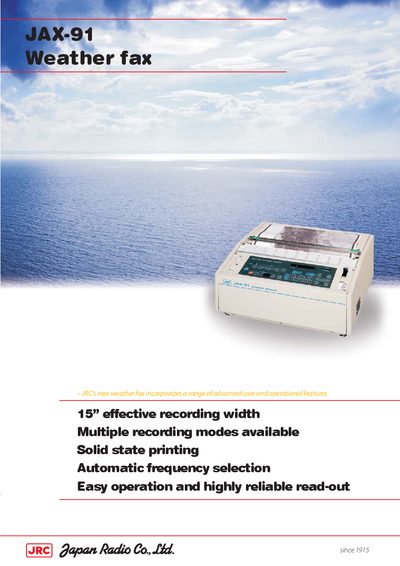
The JRC JAX-91 is a compact and lightweight weather fax device designed for reliable performance in receiving weather broadcasts. It features a solid-state thermal head for high-resolution recording on 15-inch paper and includes advanced operational features such as automatic frequency selection and multiple recording modes. The device supports both low frequency (80-160kHz) and high frequency (2-25MHz) bands to ensure optimal image quality under various conditions.
| Effective recording width | 384mm (15") |
|---|---|
| Weight | 25 kg |
| IOC | 576 or 288 |
| Scanning speed | 60, 90, 120, 180, 240 SPM |
| Scanner resolution | 8 dots/mm |
| Phase matching | automatic and manual |
| Halftone recording | 16 steps by dither pattern |
| Frequency memory | up to 90 channels |
| Low frequency range | 80.0 to 160.0 kHz |
| High frequency range | 2.0000 to 24.9999 MHz |
| Ambient temperature operation | -15ºC to +55ºC |
| Power supply | AC 100V (80 to 132V) and AC 220V (160 to 264V) |
The effective recording width is 384mm (15 inches).
The device can store up to 90 channels of memory frequencies.
The operation modes are automatic, manual, forced, and timer programme.
The scanning speed options are 60, 90, 120, 180, and 240 SPM.