
User manual for the HW330 Heart Rate Wristband covering components, charging, app pairing, display controls, messages, training mode, specifications and FAQ.
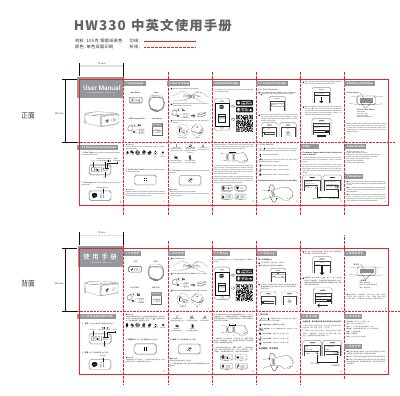
This bilingual user manual for the HW330 Heart Rate Wristband covers the components, charging method, touch controls and display, and first-time Bluetooth pairing with the Moofit app. It also describes device management, messages and reminders, the application center, training mode and data syncing.
The manual includes technical specifications for wireless communication, display, battery life, sensors, touch sensor, reminder type and charging, plus FAQ notes on Android remote camera/music control and an FCC compliance statement. This manual is written in Chinese.
| Wireless communication | Bluetooth 4.0; range >=10 m |
|---|---|
| Display | OLED, resolution 128*32 |
| Battery life | 7 days (2 hours training mode everyday) |
| Sensors | 3 axis g-sensor, optical heart rate sensor |
| Touch sensor | 2 points touch sensor |
| Reminder type | Vibration |
| Charging | 5V charging cable |
Remove the host from the wristband, insert the USB charging cable with the metal contacts facing the side of the host, then use an AC adapter or a computer USB port.
Open the app, register and log in, add a new device by searching, select HW330, then enter the pairing code shown on the display into the app.
The stated battery life is 7 days with 2 hours of training mode each day.
Hold the screen to check messages, and slide left or right to switch pages.