
This manual introduces the power-saving function and sleep mode of MA0511-ChA energy-saving watch. The watch automatically enters sleep mode to save power when it is in a dark environment for a period of time. There are two types of sleep modes: screen sleep mode and function sleep mode. In sleep mode, the watch does not ring, but the timing function continues to work. The watch can be awakened by placing it in a bright place or using the automatic illumination function.
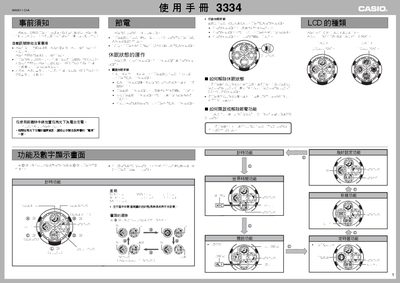
This manual explains how to set the time, date and world‑time zones, adjust daylight‑saving settings, and use the power‑saving mode that automatically reduces display activity. It also covers the watch’s illumination feature, battery‑level indicators and charging procedure.
Additional sections describe the LCD display options, timer functions, and troubleshooting tips for signal reception and battery performance. This manual is written in Chinese.
| LCD display type | White‑on‑black or black‑on‑white |
|---|---|
| Power‑saving mode | Automatic power‑saving function |
Use the time‑setting function to adjust the current time, date and city‑based time zone as described in the manual.
Charge the watch when the battery indicator reaches level 3.