
This manual provides instructions and precautions for using Casio watches, including features such as automatic time calibration, charging method, and power-saving function.
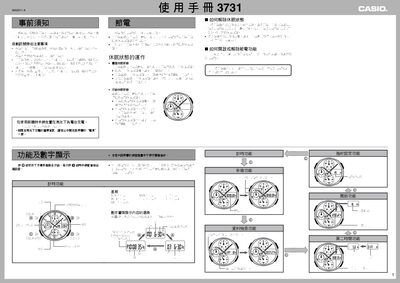
This manual explains how to operate the Casio 3731 solar‑powered watch, including charging the battery with light, using the power‑saving mode, and receiving time‑calibration signals from Japan and Taiwan. It also covers setting the time, date, time zones, daylight‑saving time, and using the various alarms and illumination features.
Detailed procedures are provided for manual and automatic signal reception, configuring alarms, using the second‑time world‑time function, and troubleshooting common issues such as low battery or failed signal reception. This manual is written in Chinese.
| Power source | Solar cell and rechargeable battery |
|---|---|
| Battery level 1 | All functions usable |
| Full charge time (outdoor sunlight) | ≈5 minutes |
| Second‑time function zones | Displays 29 world time zones |
| Number of daily alarms | Five |
Place the watch in bright light; the solar panel charges the battery, and in strong outdoor sunlight it reaches full charge in about five minutes.
In the timing function, hold button ① for about two seconds to enter time‑zone setting, then use buttons ① (west) and ② (east) to select the desired zone.
Enter the alarm (閥鈴) function, select the desired alarm (AL1‑AL5) and press the button to toggle it; the indicator shows “on” when the alarm is active.
Place the watch in a bright area and press any button or rotate the watch to activate the automatic illumination, which wakes the display.