
This manual describes the methods and functions of using the watch 2714 1 MA0609-CkA, including time setting, date setting, stopwatch usage, alarm usage, etc.
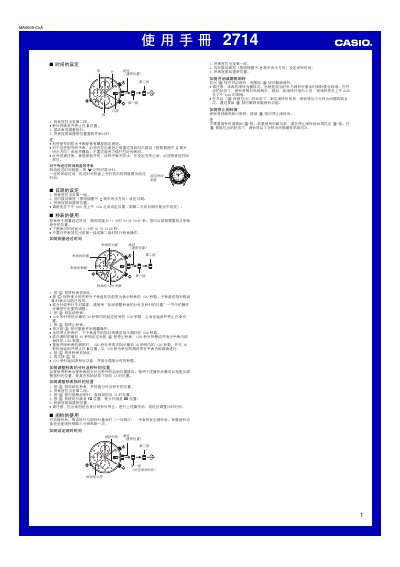
This user manual is for the Casio 2714 watch. It explains how to set the time and date, use the stopwatch, and use the alarm.
It also covers adjusting the stopwatch hands and notes such as avoiding date setting between 9:00 p.m. and 1:00 a.m. This manual is written in Chinese.
| Stopwatch measuring limit | 11 hours 59 minutes 59.95 seconds |
|---|---|
| Intermittent alarm interval | Every 3 minutes |
| Intermittent alarm count | Up to 5 times |
| Alarm sounding duration | 15 seconds |
Pull the crown to the second position, move the crown to adjust the hands, then push it back to the normal position.
Pull the crown to the first position, move it inward to set the date, then push it back to the normal position.
11 hours 59 minutes 59.95 seconds.
After the alarm time, it sounds at three-minute intervals up to five times.