
This document is a quick guide for the Polar RS100 Running Computer, providing information on its time mode, alarm, time display, preparation mode, and other settings. It also includes details on long-term data recording and other features.
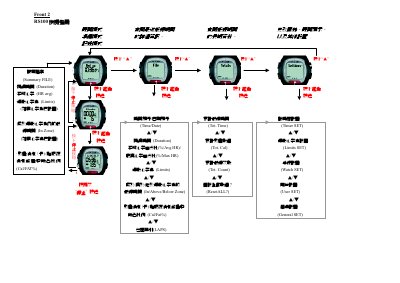
The Polar RS100 is a running computer and heart rate watch that helps users reach training goals by monitoring heart rate during exercise. The watch displays and records heart rate and other workout data, and personal settings can be entered for analysis after training.
The manual covers product components, first-time setup, workout recording, reviewing recorded data and totals, settings for time, date, heart rate zones, watch and user preferences, plus maintenance, precautions, frequently asked questions, technical specifications, and warranty information. This manual is written in Chinese.
| Time format | 12h/24h |
|---|---|
| Measurement units | kg/cm or lb/ft |
| Warranty period | 2 years |
Press any button to start the heart rate watch. Once it is started, it cannot be turned off again.
In time display or workout mode, press and hold the light button for at least one second to turn the button lock on or off.
The transmitter belt sends the heart rate signal to the heart rate watch, and the electrodes on its back detect your heart rate.