
Instruction manual, introduces the functions and use methods of the watch, including the setting of time and date, the use of stopwatch, the setting of alarm clock, etc.
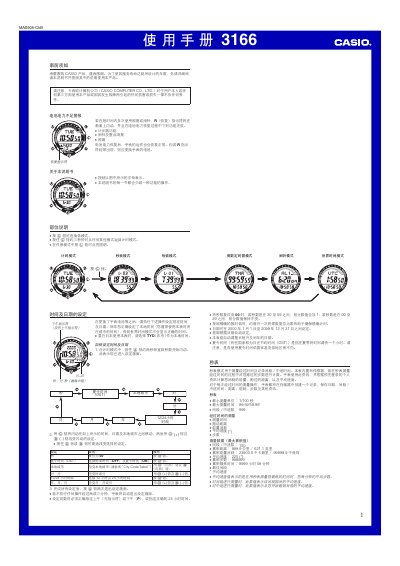
The Casio 3166MA0905-CkB user manual is for the watch model 3166MA0905-CkB. It includes precautions, parts placement, and instructions for using functions such as time and date settings, stopwatch, alarms, lighting, and world time.
The manual explains how to use the buttons, set the time and date, and use the stopwatch and other features. It also notes what to do if the battery power runs low and how to recover from a flashing R indicator. This manual is written in Chinese.
| Stopwatch minimum measurement unit | 1/100 second |
|---|
Press and hold A for about two seconds in timekeeping mode until the seconds flash. Use C to move the flashing, and use D plus and B minus to change settings.
The stopwatch measures elapsed time and records intermediate or segment times. The minimum measurement unit is 1/100 second.
If the R indicator flashes during use, one of the functions may be disabled until battery power recovers. If the R indicator appears often, replace the watch battery.