
The HP Media Center PC User Guide provides safety information, assembly steps, device connections, software usage, and troubleshooting for the Media Center PC.
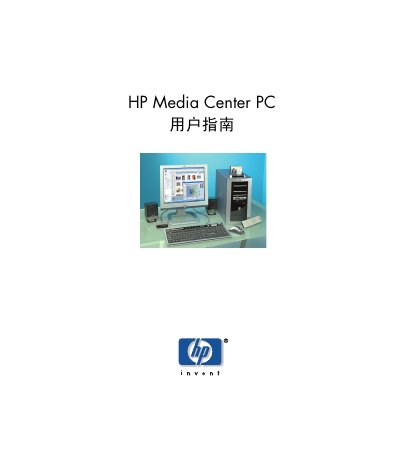
This guide begins with safety warnings and an overview of the HP Media Center PC, then walks you through unpacking, assembling the computer, and connecting peripherals such as displays, printers, scanners, and audio equipment. Detailed instructions cover setting up the TV tuner, configuring internet connections, and using the remote control.
Later sections explain how to use Media Center features like My TV, My Music, My Pictures, and My Videos, as well as how to perform system maintenance, install software, and troubleshoot common issues. This manual is written in Chinese.
| Voltage selection switch | 115 V or 230 V |
|---|
The computer includes a voltage selection switch that can be set to 115 V or 230 V; changing it to the wrong setting may damage the computer.
Ergonomic guidelines are available at http://www.hp.com/ergo.