
The HP LaserJet Professional M1130/M1210 MFP Series User Guide provides setup, operation, and troubleshooting instructions for these multifunction printers.
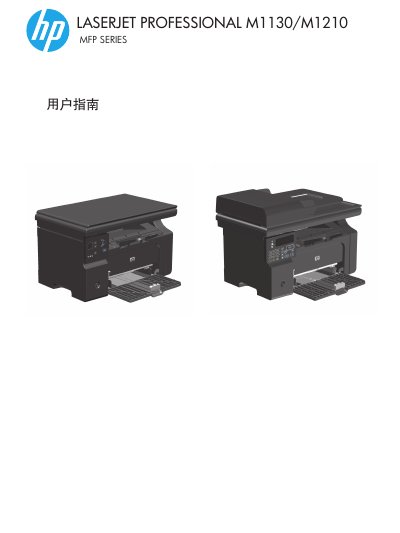
This guide covers the basic information, hardware layout, and software options for the HP LaserJet Professional M1130/M1210 multifunction printers. It details control‑panel menus, supported Windows and macOS drivers, network connectivity, and the built‑in web server for the M1210 model.
The manual also explains how to perform printing, copying, scanning, and (for the M1210) fax functions, along with paper‑handling rules, media specifications, and step‑by‑step troubleshooting procedures to resolve common issues such as paper jams, print quality problems, and connectivity errors. This manual is written in Chinese.
| Projection film capacity | 75 sheets (minimum thickness 0.13 mm) |
|---|---|
| Document feeder capacity (M1210 only) | 35 pages (60‑90 g/m² security paper) |
Use the n‑up printing option in the Windows driver to place several pages on one sheet of paper.