
The HP dn/dw/w/USB printer user guide provides setup, operation, maintenance, and troubleshooting instructions.
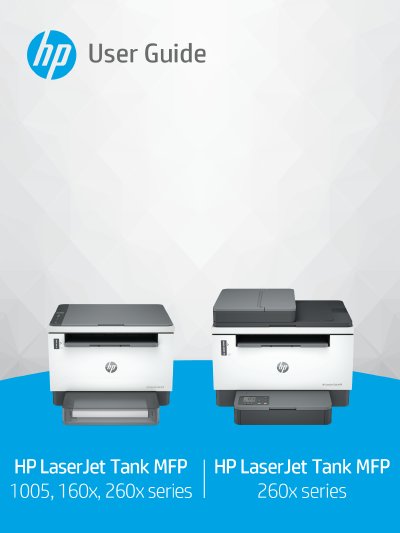
This guide introduces the printer’s parts, control‑panel features, and basic safety information. It walks you through connecting the printer via USB, Ethernet, or Wi‑Fi, loading paper, envelopes, labels, and using the scanner.
Later sections cover printing from Windows, macOS, and mobile devices, copying and scanning functions, configuring web services, updating firmware, managing toner and imaging drums, and detailed troubleshooting steps for common issues such as paper jams and print‑quality problems.
| Height (closed) | 255 mm (10.04 in) |
|---|---|
| Depth (closed) | 326 mm (12.83 in) |