
The HP LaserJet Pro MFP M329, M428, and M429 user guide provides setup, printing, scanning, copying, faxing, and maintenance instructions.
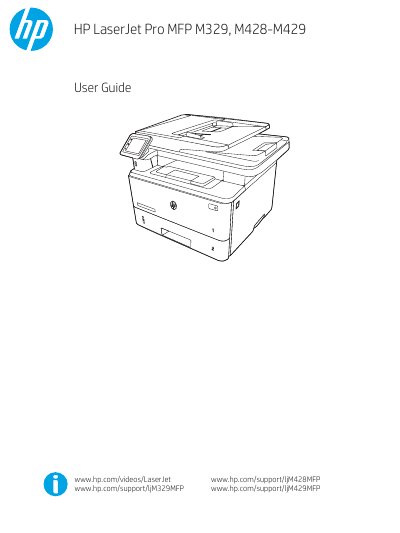
This guide covers the HP LaserJet Pro MFP series printers (M329, M428, M429), describing their hardware layout, safety warnings, and technical specifications. It explains how to install the printer, load paper and envelopes, and configure network and mobile printing options.
Detailed sections walk you through printing, copying, scanning, and faxing tasks on Windows, macOS, Linux, and UNIX, as well as troubleshooting common issues such as paper jams, print‑quality problems, and cartridge alerts. The manual also includes information on power consumption, operating environment, and how to update firmware or replace consumables.
| Operating temperature (allowed) | 17.5° to 25°C (63.5° to 77°F) |
|---|---|
| Relative humidity (allowed) | 30% to 70% RH |
Open the HP Embedded Web Server, go to the Wi‑Fi Direct settings, and follow the on‑screen steps to turn on Wi‑Fi Direct and change its name.
Open the front cover, remove the used cartridge, and insert a new HP toner cartridge as shown in the replacement section.