
This quick start guide shows how to create routing tables, set up scan jobs, import documents and send them to the HP CR server within Autonomy WorkSite.
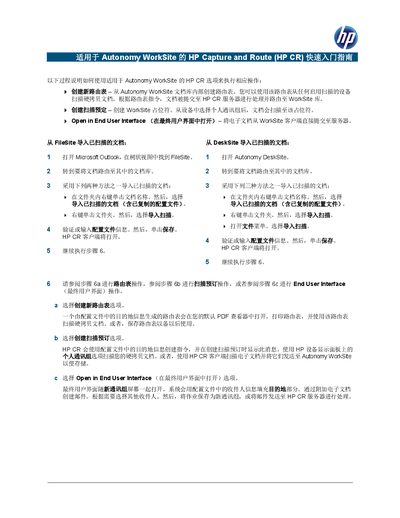
The guide provides step‑by‑step instructions for using the HP Capture and Route (HP CR) option with Autonomy WorkSite. It covers creating a new routing table, setting up scan reservations, and opening documents in the End User Interface.
It also explains how to import scanned documents from FileSite or DeskSite and how to send documents directly to the HP CR server for processing, including the required configuration profile steps. This manual is written in Chinese.
Select the “Create New Routing Table” option in Autonomy WorkSite; a routing table generated from the profile opens in your default PDF viewer, where you can print or save it for later use.
Right‑click the selected document, choose “Send to HP CR for Autonomy WorkSite”, then the End User Interface opens with the destination filled from the profile; save or send the job.