
The HP LaserJet Tank MFP 260x Series User Manual provides setup, operation, maintenance, and troubleshooting instructions for the printer.
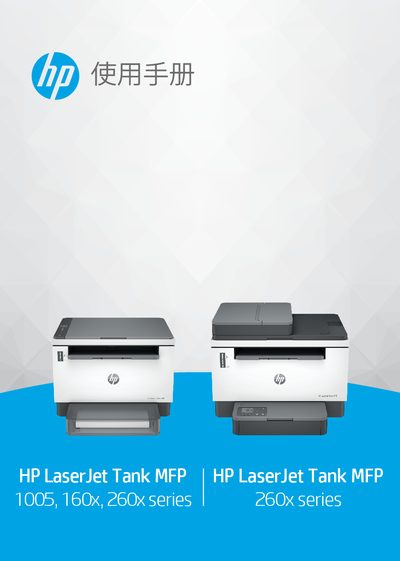
This manual covers the HP LaserJet Tank MFP 260x Series multifunction printer, describing its components, control panel, and supported media types. It guides users through initial setup, connecting to networks, and using the HP Smart app for printing, scanning, and management.
Key sections include loading paper, envelopes and labels, printing, copying and scanning procedures, configuring wireless and Ethernet connections, managing toner and supplies, troubleshooting common issues, and detailed technical specifications such as dimensions, weight, power requirements, and operating environment.
| Height (closed, dn/dw/w/USB model) | 255 mm |
|---|---|
| Height (open, dn/dw/w/USB model) | 436.25 mm |
| Length (closed, dn/dw/w/USB model) | 326 mm |
| Length (open, dn/dw/w/USB model) | 419.61 mm |
| Width (dn/dw/w/USB model) | 368 mm |
| Weight (dn/dw/w/USB model) | 7.9 kg |
| Height (closed, sdn/sdw model) | 311.40 mm |
| Height (open, sdn/sdw model) | 452.83 mm |
| Length (closed, sdn/sdw model) | 345 mm |
| Length (open, sdn/sdw model) | 467.64 mm |
| Width (sdn/sdw model) | 418 mm |
| Weight (sdn/sdw model) | 9.5 kg |
| Operating Humidity (non‑condensing) | 30 % to 70 % RH |
Use the Wi‑Fi Protected Setup (WPS) or the printer’s wireless settings menu to select and connect to your Wi‑Fi network.