
This Honeywell installation guide provides wiring diagrams, safety instructions, and programming setup for the VisionPRO TH8000 Series touch‑screen thermostat.
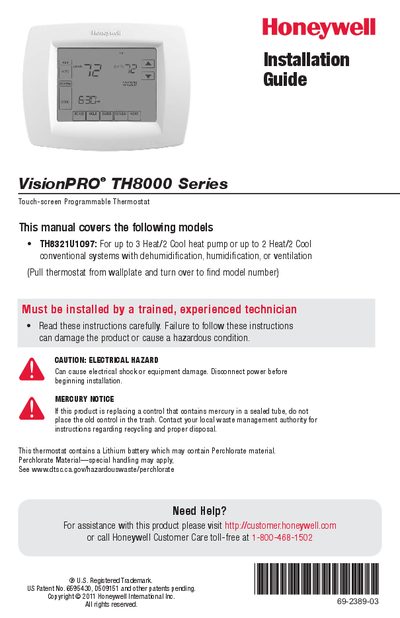
The guide walks installers through mounting the wallplate, connecting power and sensor wires, and completing the physical installation of the VisionPRO TH8000 Series thermostat. It emphasizes safety, requiring power to be disconnected and the work to be performed by a trained technician.
After installation, the document details the thermostat’s configuration options, including system type selection, backlight settings, temperature limits, dehumidification and ventilation controls, and advanced features such as Adaptive Intelligent Recovery and droop control. Each function is described with default values and the steps needed to adjust them.
| Heat temperature range | 40° to 90°F (4.5° to 32°C) |
|---|---|
| Operating ambient temperature | 0° to 120°F (-18° to 48.9°C) |
| Physical dimensions | 4‑9/16" H × 6" W × 1‑3/8" D (116 mm H × 152 mm W × 35 mm D) |
| Heating terminal voltage and current | 20‑30 Vac, 0.02‑1.0 A |
| Cooling terminal voltage and current | 20‑30 Vac, 0.02‑1.0 A |
Set Backlight to 0 for an 8‑second illumination after a keypress, or to 1 for continuous full‑bright backlight (requires 24VAC connection).
Set function 0390 (Dehumidification Away Mode) to 1 (Yes) in the installer setup.
Function 0350 sets the lockout temperature; values range from 5 °F to 60 °F (‑15 °C to 15.5 °C).