
User guide for the Harman Kardon Go + Play II portable hi-fi speaker for iPhone/iPod, covering setup, playback, charging, USB sync and remote control.
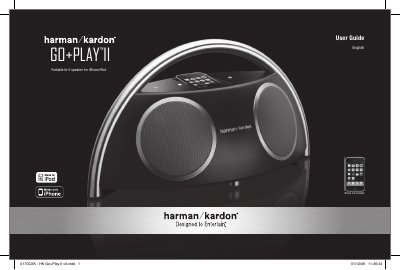
The Harman Kardon Go + Play II is a portable hi-fi speaker for iPhone/iPod that also has an Auxiliary In jack for other audio devices. The user guide covers regulations and safety instructions, package contents, general setup, battery installation and disposal, playback, charging, USB synchronization and remote-control operation.
The system can be powered through the DC In jack or by batteries. A docked iPhone/iPod can be charged and synchronized with iTunes through the USB port, and the RF Smart Remote controls the system from up to nine meters (29 feet) away.
| RF remote range | Up to nine meters (29 feet) |
|---|---|
| Amplification | Bi-amplification using two amplifiers |
| Auxiliary input | 3.5 mm auxiliary cable input (cable not included) |
| USB port | USB synchronization and charge port |
The battery installation section says to unscrew the two battery compartment cover screws, remove the cover, place eight fresh C-cell batteries as shown, and replace the cover.
The RF remote can control the system from up to nine meters (29 feet) away.
Yes. Connect the USB port to a computer with a USB cable, dock the iPhone/iPod, and iTunes will synchronize with it.
Yes, the system provides sound while also charging your iPhone/iPod when it is docked.