
This document is the user manual for Citation One Citation 100, which mainly introduces the power connection, power on/off, volume adjustment and other operations of Citation One Citation 100.
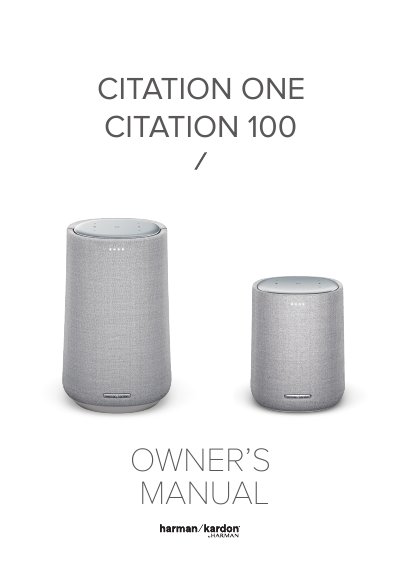
This manual provides step-by-step instructions for setting up and using the Harman Kardon CITATION 100 speaker. It includes safety guidelines, product overview, placement tips, Wi-Fi and Bluetooth setup, and troubleshooting for common issues. The speaker supports Wi-Fi and Bluetooth 4.2, with 50W RMS output and multi-format audio playback. It is designed for home use and features LED indicators for status and control functions.
The manual also covers what’s included in the box, how to power on the device, and how to connect to Wi-Fi and Bluetooth. Safety precautions are emphasized, including proper voltage use and handling of the power cord. Troubleshooting sections address Wi-Fi connection failures, Google Home app detection issues, and voice command responsiveness.
| Transducer | 1 x 102 mm woofer, 1 x 20 mm tweeter |
|---|---|
| Output Power | 50W RMS |
| Bluetooth Version | 4.2 |
| Wi-Fi Standards | 802.11a/b/g/n/ac (2.4GHz/5GHz) |
| Dimensions | 6.8 x 10.8 x 6.4 in / 172 x 275 x 163 mm |
| Weight | 5.9 lbs / 2.7 kg |
The CITATION 100 requires 100-240V ~ 50/60Hz AC current.
Plug the provided power cord into the speaker and a wall outlet. Then follow the on-screen instructions to connect to your Wi-Fi network.
It supports HE-AAC, LC-AAC, MP3, Vorbis, WAV (LPCM), FLAC, and Opus.
Press and hold the RESET button on the bottom side for 5 seconds.