
Key facts
- Manuals
- 1
- Languages
- ZH
- Last added
- 2026-09-29
Featured Harman Kardon manuals
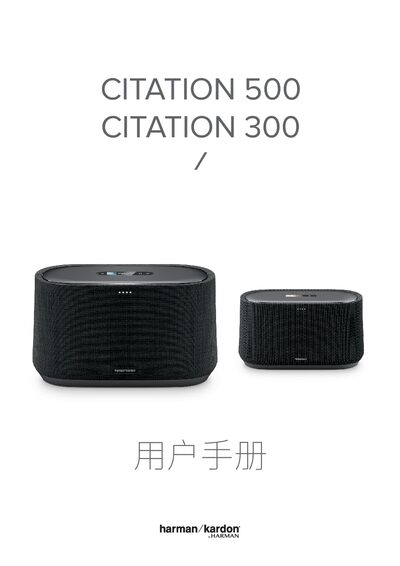
Harman Kardon Citation 500 Citation 300 User Manual
This manual covers important safety information, product contents, and an overview of the Citation 500 and 300 speakers, including touch‑screen controls, LED indicators, and microphone functions. It also explains proper placement, power connection, and how to reset the device.
Detailed instructions guide you through connecting the speakers to Wi‑Fi using the HK Citation/Surround app, using Bluetooth pairing, and accessing smart voice assistant features. The specifications section lists audio drivers, output power, wireless standards, dimensions, and power consumption, while the troubleshooting chapter helps resolve common network and app issues. This manual is written in Chinese.
Covers: Important Safety Instructions · Introduction · Product List · Product Overview · Placement · Power On
Latest Harman Kardon manuals
Harman Kardon Citation 500 Citation 300 User Manual
User Manual 22 pages · 2.1 MB · ZHThe Harman Kardon Citation 500 and 300 speaker user manual provides safety instructions, setup steps, wireless connection, and specifications.
Which document do I need?
User Manual
Day-to-day operation, settings and troubleshooting. Start here if the product is already set up.
Questions answered in Harman Kardon manuals
How do I reset the speaker to factory settings?
Long‑press the RESET button for 5 seconds to restore factory settings.
What should I do if water spills on the speaker?
Immediately disconnect the power and contact an authorized service center.