
This document is a user manual for the HP ENVY 4520 printer. It contains instructions on how to set up, use, and maintain the printer.
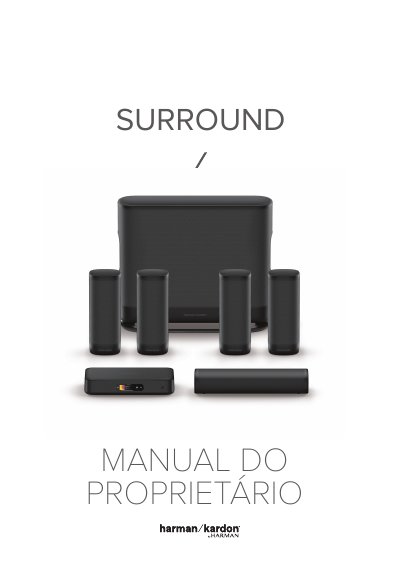
This document is the user manual for the Harman Kardon HK Surround wireless home theater system. It covers important safety information, such as verifying network voltage and avoiding the use of extension cords, to ensure safe operation. The system is designed for use with electrical currents of 100–240 volts, 50/60 Hz AC.
The guide details the contents of the box, including the subwoofer, satellite speakers, remote control, and power cables. It provides an overview of the product, describing the front and rear panels of the transmission box and the functions of the remote control buttons for power, source selection, volume, sound modes, and Bluetooth connectivity. This manual is written in Portuguese.
| Voltage | 100–240 volts, 50/60 Hz AC |
|---|---|
| Battery Type | 2 AAA batteries |
No, the use of extension cords is not recommended to avoid safety problems.
Immediately remove it from the AC power source and contact an authorized service center.
Press and hold the REINÍCIO (Restart) button on the rear panel for 5 seconds.