
This is a user manual for GPS-810, which introduces the use of GPS-810
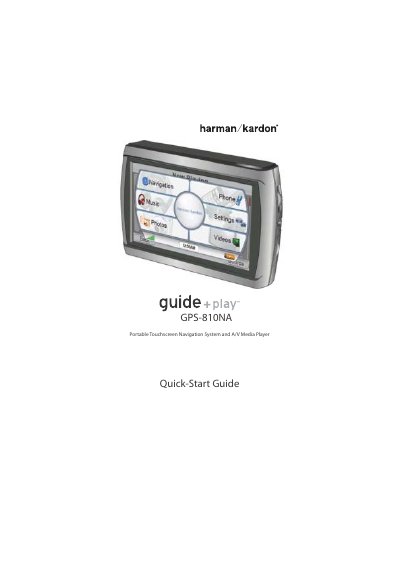
This document is a Quick-Start Guide for the Harman Kardon GPS-810, a portable touchscreen navigation system and A/V media player. It provides initial setup instructions, including language selection, unit configuration, and mounting guidelines. The guide details how to use the device for navigation, making calls via Bluetooth, and playing music and video files from an SD card.
| Battery Type | lithium-polymer |
|---|---|
| Operating Temperature | -10° C (14° F) to 55° C (131° F) |
| Storage Temperature | -20° C (–4° F) to 60° C (140° F) |
| Charging Temperature Limit | above 50° C (122° F) |
| Supported Video Formats | M4V, MP4, 3GP |
No, operation of any feature of this device while driving is dangerous and the device will cease navigation functions when video mode is enabled.
The unit should not be operated in ambient temperatures below -10° C (14° F) or above 55° C (131° F).
Use a paper clip to press the reset button located on the right side of the bottom panel.