
This manual provides instructions for the EZPL programming language, including control, setup, and label format commands for GODEX EZ-1100/EZ-1200/EZ-1300…
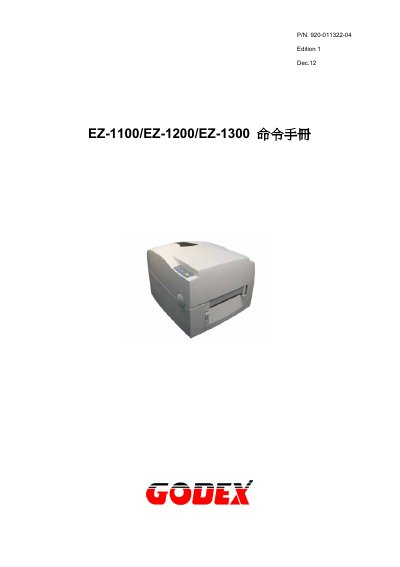
This document is the Command Manual for the GODEX EZ-1100, EZ-1200, and EZ-1300 thermal printers. It details the EZPL (EZ Printer Language), a high-level control language used to manage the device's operations, including printing, memory management, and configuration.
The manual is organized into chapters covering software guidance, language specifics, barcode generation, and examples. It explains three main command modes: Control Commands (starting with ~), Setup Commands (starting with ^), and Label Format Commands (starting with a letter). It also includes appendices with barcode specifications. This manual is written in Chinese.
| Document Part Number | 920-01 |
|---|---|
| Edition | Edition 1 Dec.12 |
The three modes are Control Commands, Setup Commands, and Label Format Commands.
Control Commands start with the tilde symbol (~).
Setup Commands start with the caret symbol (^).
The printer will beep once to indicate completion.