
Quick start guide for setting up the GIGABYTE W511 Series notebook, covering features, battery, power, drivers, and ports.
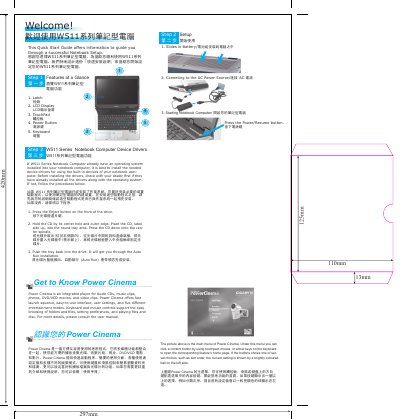
This guide introduces the W511 Series notebook's external features and controls, then walks through battery installation, AC power connection, and startup. It also explains how to install device drivers from the included CD and gives an overview of the Power Cinema media player.
The second part identifies internal and external components and ports, including speakers, indicators, USB, LAN, modem, optical drive, and security features. It notes that the guide is a quick reference and points to the full user manual or the manufacturer's website for more detail. This manual is written in Chinese.
| Bluetooth | Option |
|---|
Power Cinema is an integrated player for Audio CDs, music clips, photos, DVD/VCD movies, and video clips.
Check with your dealer whether the drivers were already installed with the operating system.
Press the eject button, place the CD label side up in the tray, then push the tray back so Auto Run starts installation.
Consult the user manual included in the package or visit the manufacturer's website.