
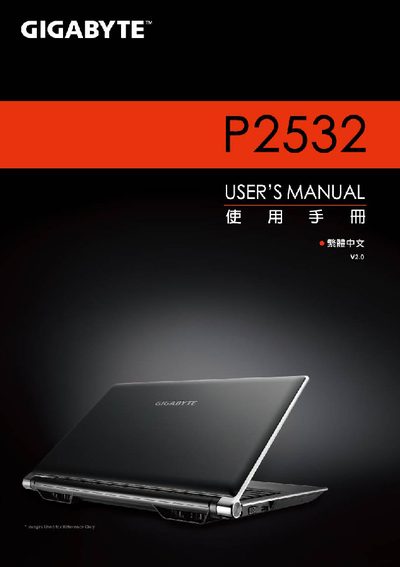
This manual provides safety warnings, battery handling instructions, and regulatory information for the Gigabyte P2532 notebook. It includes detailed guidance on battery installation, charging, storage, and disposal, as well as compliance notes for CE, BSMI, and CCC standards.
The guide also describes the laptop’s hardware layout, quick‑key functions, Smart Manager utilities, and system recovery procedures. Technical specifications such as CPU, display, memory, graphics, storage, battery capacity, dimensions, and weight are listed for reference. This manual is written in Chinese.
| Processor | Intel® Core™ i7 |
|---|---|
| Operating System | Microsoft® Windows® 7 compatible |
| Display | 15.6" Full HD (1920×1080) LED‑backlit LCD |
| Memory | DDR3 SO‑DIMM, 2 slots, up to 8 GB |
| Graphics | NVIDIA® GeForce® GT550M 2 GB with Optimus |
| Storage | 500 GB or 750 GB 2.5" SATA 7200 RPM HDD |
| Battery | Li‑ion 6‑cell, 5200 mAh |
| Dimensions (W×D×H) | 392 mm × 263 mm × 27.6‑35.1 mm |
| Weight | ≈2.6 kg (including ODD and 6‑cell battery) |
Align the battery with the slot, rotate it down until you hear a click, then push the lock lever to the LOCK position.
Pressing Fn+F1 puts the laptop into sleep mode.
Use Fn+F3 to decrease brightness and Fn+F4 to increase brightness.