
G-MAX TM ATX Series Chinese User Manual, introduces the assembly methods of the chassis, motherboard, power supply, CPU, heat sink, etc.
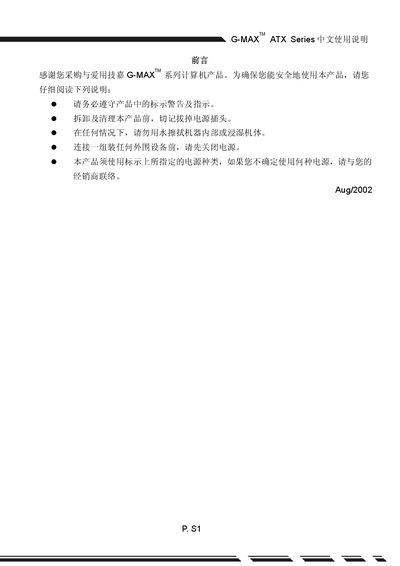
This manual introduces the Gigabyte G-MAX ATX Series computer case, covering safety warnings, proper handling, and the required precautions before assembly. It emphasizes unplugging the power source, avoiding water, and using the correct battery type.
The guide details the installation process, including mounting the motherboard, CPU, memory, and storage devices, as well as connecting front and rear panel connectors. It also explains how to enable digital CD audio output in Windows and provides notes on accessories and driver updates. This manual is written in Chinese.
| Dimensions (Depth x Width x Height) | 460 mm x 186 mm x 430 mm |
|---|---|
| Drive bays | 3 × 5.25" and 6 × 3.5" |
| Power supply type | ATX power supply, input voltage 230 V |
| Compliance | Meets US UL standards |
Only use the same or an equivalent battery and follow the manufacturer's instructions; improper handling can cause explosion.