
GN-B49G wireless broadband router user manual, introduces the product features and characteristics, including wireless network system configuration, basic requirements, connecting the router, connecting the router to the Internet, advanced settings, using management tools, etc.
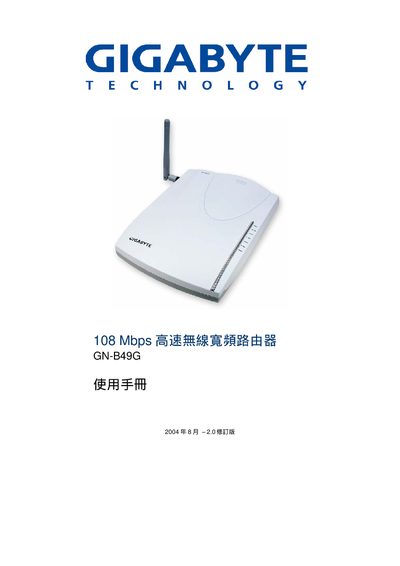
This manual covers the Gigabyte GN‑B49G high‑speed wireless broadband router. It introduces the hardware, explains the LED status lights, and guides users through both wired and wireless connection methods.
Key sections include hardware specifications, Ethernet and WAN setup, wireless security (WPA/WEP), PPPoE configuration, advanced features such as UPnP and DNS Relay, and a FAQ with common troubleshooting tips. This manual is written in Chinese.
| Maximum Wireless Speed | 108 Mbps |
|---|---|
| Power Supply | 5 V DC, 2.0 A |
| Wi‑Fi Standards | 802.11b / 802.11g |
| Ethernet Speed | 10/100 Mbps |
| UPnP Support | UPnP IGD 1.0 |
The UPnP IGD 1.0 feature is described in the advanced settings chapter, showing how to turn it on via the web interface.