
The Gigabyte AirCruiser G GN-BR01G wireless router user manual provides setup, configuration, and troubleshooting instructions.
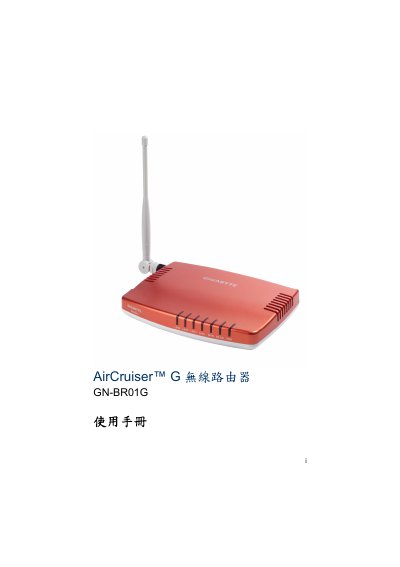
The AirCruiser G GN‑BR01G is a Gigabyte 802.11g wireless router designed for home or small‑office use. It supports up to 54 Mbps data rates, 64/128‑bit WEP and WPA security, and offers both wired (4 × LAN) and wireless connections.
The manual walks the user through installation, wiring, initial configuration with SmartSetup, advanced settings such as static routing, virtual servers, firewall rules, and provides troubleshooting tips and warranty information. This manual is written in Chinese.
| Wireless frequency band | 2412–2483 MHz |
|---|---|
| Antenna | One external 2.4 GHz antenna |
| Dimensions | 125 mm × 65 mm × 17 mm |
| Weight | 80 g ± 1 g |
| Security protocols | 64/128‑bit WEP, WPA‑PSK, WPA |
| Operating temperature | 0 °C – 40 °C |
Press the initialization (reset) button on the back panel of the router.