
Foxtel WiFi Modem Quick Install Guide Fibre to the Node/Building

Foxtel WiFi Modem quick install guide for Fibre to the Node/Building service, covering setup, connections, lights, phone and troubleshooting.
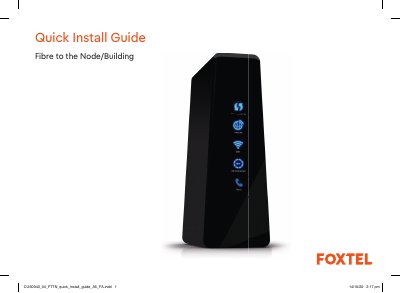

Foxtel WiFi Modem Quick Install Guide Fibre to the Node/Building - cover page
Brand
Foxtel
Category
Modem
Document type
Quick Start Guide
Language
English
Pages
16
File format
PDF
File size
2.4 MB
Published
16 November, 2026
Updated
16 November, 2026
MD5 checksum
90BEF9BF4BBB2627A0A9285BD99C822E

About this manual

This guide explains how to install a Foxtel WiFi Modem for a Fibre to the Node/Building service. It lists the supplied equipment, shows how the modem connects to nbn equipment and the telephone wall socket, and outlines the connection steps.

It also explains the modem light meanings, describes connecting devices by Ethernet or WiFi, and includes information about Foxtel Home Phone and troubleshooting.

What's inside

  • What's in the box?
  • Connection overview
  • How to connect
  • What do the lights mean?
  • Stay connected with Foxtel Home Phone
  • Troubleshooting
  • Need assistance?

Specifications

Ethernet ports4
WiFi bands2.4 GHz and 5.0 GHz
Phone ports2 (Phone 1 and Phone 2)

Frequently asked questions

What does a solid blue Internet light indicate?

The modem is connected to the internet.

What does a solid red Internet light indicate?

The modem is not connected to the internet.

How many Ethernet ports does the Foxtel WiFi Modem have?

It has four Ethernet ports for connecting devices.

Download PDF (2.4 MB)

More Foxtel Manuals


View all Foxtel manuals →