
FOXTEL Set Top Unit Installation Guide

Step-by-step guide to install and activate FOXTEL set top unit, including cable connections, software download, and service activation.
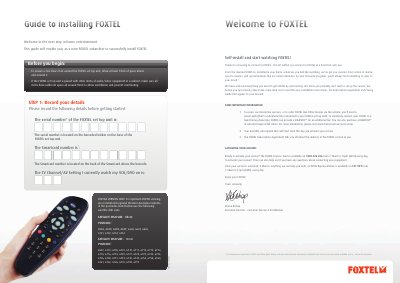

FOXTEL Set Top Unit Installation Guide - cover page
Brand
Foxtel
Document type
Installation Guide
Language
English
Pages
2
File format
PDF
File size
167 KB
Published
07 November, 2026
Updated
07 November, 2026
MD5 checksum
19C8B89BAE3560D19BAF7A327DFD00C1

About this manual

This guide walks you through installing your FOXTEL set top unit, connecting cables, inserting the Smartcard, downloading software, and activating your service. It also includes tips for TV care to avoid burn-in and instructions for connecting additional devices like VCRs. Activation requires calling FOXTEL on 1800 026 206 during specified hours.

What's inside

  • Record Details
  • Insert Smartcard
  • Connect Cables
  • Turn Power On
  • Find FOXTEL Channel
  • Software Download
  • Final Checklist
  • Service Activation
  • TV Care Information
  • Maintaining FOXTEL

Frequently asked questions

What is the recommended space around the FOXTEL set top unit?

Allow at least 10cm of space above and around it to ensure a free flow of air.

How do I activate my FOXTEL service?

Call FOXTEL on 1800 026 206 between 7.30am and 10pm AEST Monday to Sunday.

Download PDF (167 KB)

More Foxtel Manuals


View all Foxtel manuals →