
User guide for the Foxtel iQ3 FX03491 set-top box, covering internet connection, navigation, apps, recording, and account features.
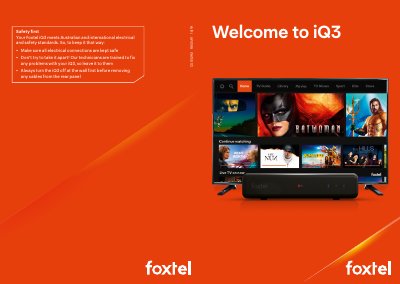
This guide introduces the Foxtel iQ3 FX03491 and its remote, then explains how to connect the box to the internet by WiFi or Ethernet and navigate menus, Home, TV Guide, Library, Movies, TV Shows, Sport, Kids and Store.
It also covers apps such as Netflix, SBS On Demand and ABC iView, recording and smart viewing features, Foxtel GO and MyFoxtel apps, Foxtel First, creating a Foxtel ID, and tips including parental controls.
| Simultaneous recordings | Up to three Foxtel shows while watching live TV |
|---|---|
| Storage capacity | Up to 345 one-hour SD shows |
| Live TV pause | Up to 60 minutes |
| Default parental control PIN | 1234 |
| TV Guide range | Next 14 days |
By WiFi through the settings menu or with an Ethernet cable to the modem.
Up to three Foxtel shows while also watching live TV.
1234.
Up to 60 minutes.