
Advanced user guide for the FOXTEL iQ2 remote, covering batteries, AV mode, device code setup, learning, volume and power allocation, and code references.
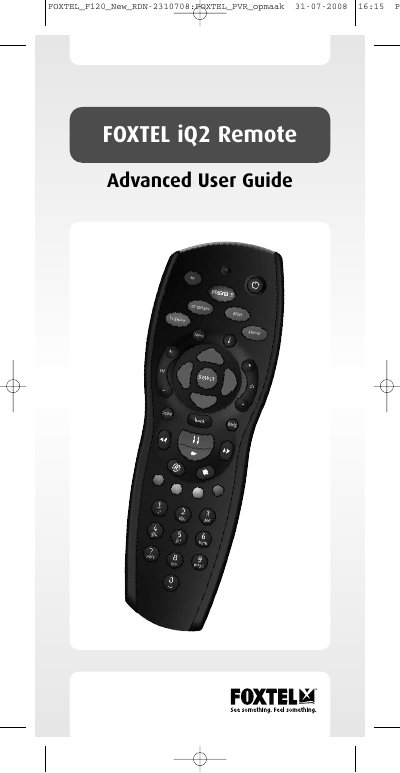
The FOXTEL iQ2 Remote Advanced User Guide explains how the remote operates the FOXTEL iQ2 Service and controls televisions and connected audio/visual equipment. It covers battery replacement, remote buttons, use with the FOXTEL Guide, recording and watching programmes, and AV mode.
The guide also describes setting up the remote with device codes, the search procedure, code identification, the learning feature, volume and power allocation, troubleshooting, and the code reference lists for television, VCR, audio, amp/tuner, tuner and DVD devices.
| Battery requirement | 2 new AA (LR6, UM3) alkaline batteries |
|---|---|
| AV switching signals | Audio and composite video |
| Loop-through effect on HD outputs | Does not affect HDMI or HD Component outputs |
| Video output setting for loop-through | PAL |
It requires 2 new AA (LR6, UM3) alkaline batteries.
The television screen is blanked.
No. Loop-through does not affect the HDMI or HD Component outputs.
You can learn the code into the FOXTEL iQ2 Remote.