
The Founder Z550 scanner service commitment manual details installation, operation, warranty, and support information for the scanner series.
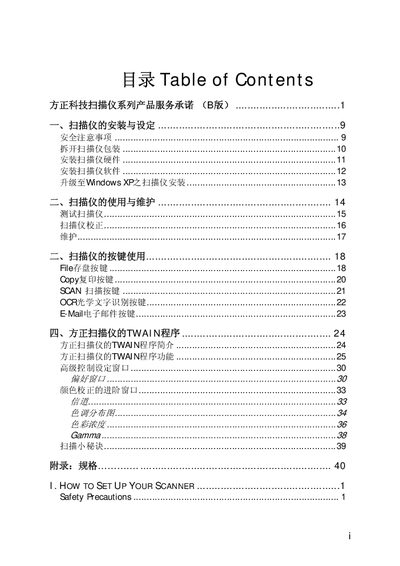
This manual provides the service commitment for Founder’s scanner series, covering hardware installation, software setup, button functions, TWAIN interface usage, and detailed specifications. It is intended to help users install the scanner, perform routine maintenance, and understand the advanced settings available.
The document also outlines the warranty terms, including the seven‑day return, eight‑to‑fifteen‑day repair, and one‑year replacement policies, as well as contact information for phone and online support. Service centers across China can be reached via the listed hotline or the Founder website. This manual is written in Chinese.
| Physical dimensions | 222.5 x 276 x 32.5 mm |
|---|---|
| Weight | 0.95 kg |
| Operating temperature | 10 °C to 40 °C |
| Maximum scan area (reflective) | A5 (216 mm × 140 mm) |
| Color mode input | 48‑bit |
| Grayscale mode input | 16‑bit |
| Black‑and‑white mode | 1‑bit |
| Optical resolution | 600 dpi |
| Maximum hardware resolution | 600 dpi × 1200 dpi |
| Maximum interpolated resolution | 19200 dpi |
| Interface | USB 1.1 |
| Light source | Three‑color RGB LEDs |
| Power consumption (operating) | 2.5 W max |
| Power consumption (idle) | 1.0 W |
The scanner hardware is covered by a one‑year warranty from the date of purchase.
Drivers and software are available from the Founder website at www.foundertech.com under the TWAIN interface section.
The scanner is powered through the computer’s USB port and does not require an external AC adapter.