
Z816/Z826 Multi-function Scanner User Manual from Founder Technology Group Co.,Ltd., introduces the product installation and usage methods.
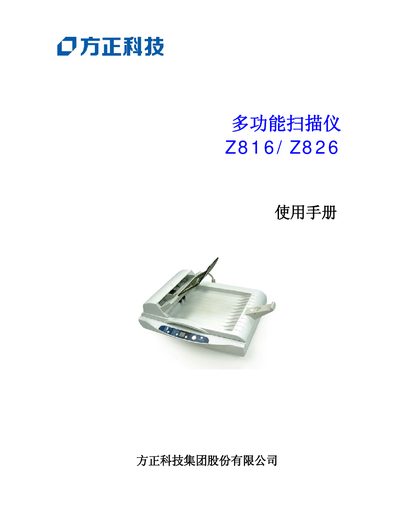
This manual introduces the Founder Z816/Z826 multi-function scanner, describing its hardware components, packaging contents, and basic system requirements. It guides users through safe installation, connecting power and USB cables, and installing the driver software.
Detailed sections cover first‑time scanning, copying functions, image adjustment settings, maintenance of the automatic feeder and glass panel, and a troubleshooting guide with common error solutions. The document ends with a full specification table for the scanner. This manual is written in Chinese.
| Model | Z826 |
|---|---|
| Feeding method | Automatic feeder / flatbed |
| Scanning technology | CCD |
| Optical resolution | 600 x 1200 dpi |
| Memory capacity | 32 MB |
| Interface | USB 2.0 |
| Dimensions (W×D×H) | 445 x 332 x 177 mm |
| Weight | 4.8 kg |
| Power requirement | 24 VDC, 0.84 A |
| Operating temperature | 10 °C – 35 °C |
| Automatic feeder capacity | 50 sheets |
| Black‑and‑white scan speed | 20 ppm (A4, 200 dpi) |
| Color scan speed | 12 ppm (A4, 150 dpi) |
| Copy speed (black) | 16 CPM |
| First copy time | 30 seconds |
Move the lock on the left side of the base from the locked position to the "use position" as shown in the manual.
A PC with Pentium III 600 MHz or higher, Windows 98SE/2000/XP, at least 100 MB free disk space, 128 MB RAM, USB 2.0, a VGA monitor, a mouse, and a CD drive.
The automatic feeder can hold up to 50 sheets of Xerox 4024 DP 20 lb paper.
The scanner provides an optical resolution of 600 × 1200 dpi.