
This document is a guide for the installation, operation, and maintenance of a scanner. It includes instructions on hardware installation, software installation, how to use the scanner, maintenance, and the functions of the scanner buttons.
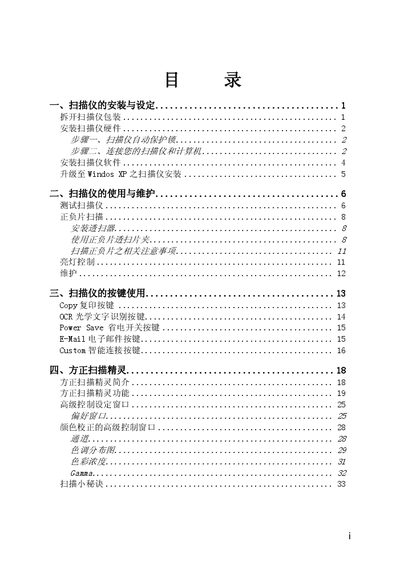
This manual covers the complete setup of the Founder F5600 and F5680 scanners, including unpacking, hardware installation, USB connection, and power adapter hookup. Detailed software installation steps for Windows 98/Me/2000/XP are provided, along with guidance for upgrading the operating system.
Operating instructions describe scanning of documents, photos, and film negatives using the transparency adapter, button functions such as Copy, OCR, Power Save, and E‑Mail, and advanced settings for color correction, gamma, and image preferences. The appendix lists technical specifications for both models, including dimensions, weight, power consumption, and supported resolutions. This manual is written in Chinese.
| Physical dimensions (F5600) | 456 x 272 x 66 mm |
|---|---|
| Physical dimensions (F5680) | 456 x 272 x 82 mm |
| Weight (F5600) | 2.3 kg |
| Weight (F5680) | 2.6 kg |
| Operating temperature | 10 °C to 40 °C |
| Maximum scan area (reflective) | 216 mm × 297 mm |
| Optical resolution | 1200 dpi |
| Maximum interpolated resolution | 19200 dpi |
| Interface | USB Full Speed (TWAIN compliant) |
| Lamp type | Cold Cathode Lamp |
| Power output (F5600) | DC 18 V, 800 mA |
| Power output (F5680) | DC 24 V, 550 mA |
| Maximum power consumption (F5600) | 14 W |
| Maximum power consumption (F5680) | 13.2 W |