
Founderscan User Guide
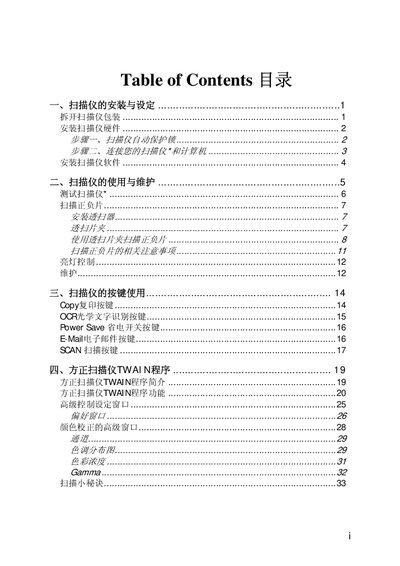
This manual covers the complete installation process for Founder scanners, including unpacking, connecting the power adapter, and attaching the USB cable to a computer. It also details the driver and software installation procedures for Windows operating systems.
Operating instructions describe how to perform test scans, use the transparency adapter for film and slide scanning, and operate the scanner’s buttons (Copy, OCR, Power Save, E‑Mail, Scan). The appendix lists technical specifications for the U200, U430 and U180 models. This manual is written in Chinese.
| Physical dimensions | 441 × 266 × 80 mm |
|---|---|
| Weight | 2.7 kg (U200/U430) / 2.45 kg (U180) |
| Operating temperature | 10 °C to 40 °C |
| Maximum scan area (reflective) | 216 mm × 297 mm |
| Optical resolution | 1200 × 2400 dpi (standard) / 2400 × 4800 dpi (max) |
| Maximum interpolated resolution | 24000 dpi |
| Interface | USB 2.0 High Speed |
| Power output | DC 15 V, 1 A |