
Founder Super Scanner User Manual, introduces the use of the scanner, button functions, scanning tips and other
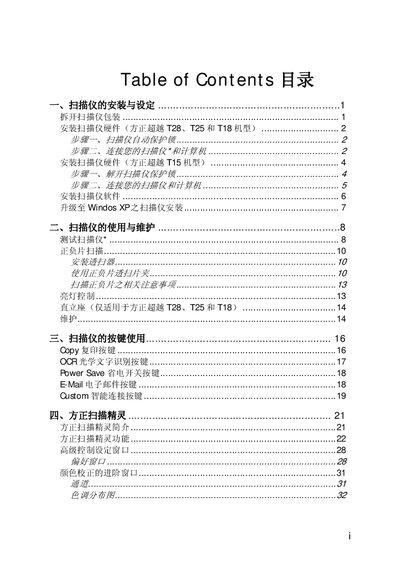
This manual guides users through unpacking, hardware installation, and software configuration for the Founder Super T series scanners. Detailed procedures cover connecting the power adapter, USB cable, unlocking the protective lock, and installing drivers on Windows 98/Me/2000/XP.
Later sections describe button functions, advanced interface settings, scanning tips, and a full specification appendix for each model, helping users achieve optimal image quality and maintain the device. This manual is written in Chinese.
| Physical dimensions | 435 × 260 × 80 mm |
|---|---|
| Weight | 2.5 kg |
| Optical resolution | 1200 × 2400 dpi |
| Maximum interpolated resolution | 19200 dpi |
| Power output (DC 15 V) | 1.0 A |
| Power output (DC 24 V) | 550 mA |
| Interface | USB |
| Lamp type | Cold Cathode Lamp |