
The Flashforge Hunter DLP 3D Printer Quick Start Guide covers resin storage, model cleaning, safety precautions, product components, and basic operation steps.
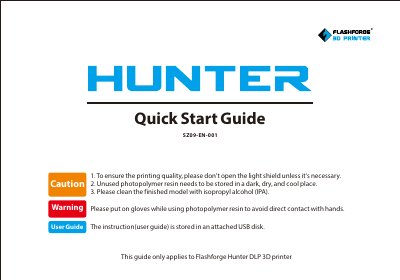
This quick start guide applies to the Flashforge Hunter DLP 3D printer. It includes cautions such as keeping the light shield closed unless necessary, storing unused photopolymer resin in a dark, dry, and cool place, and cleaning finished models with isopropyl alcohol while wearing gloves.
It also introduces the printer's components, including the light shield, resin vat, touch screen, and power switch. The guide explains how to pour photopolymer resin, start a first print from the USB memory, clean the resin vat parts, and perform basic maintenance.
It needs to be stored in a dark, dry, and cool place.
Clean it with isopropyl alcohol (IPA), and wear gloves to avoid direct contact with the resin.
It is stored on an attached USB disk.