
This user guide provides instructions for setting up, using, and maintaining the FlashForge Creator Pro 2 3D printer, covering the printing process…
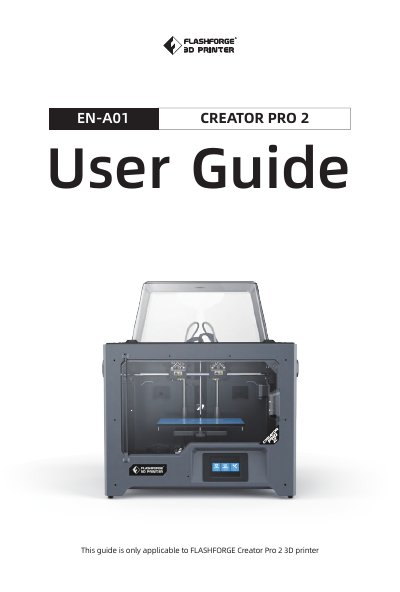
This manual is designed for users of the FlashForge Creator Pro 2 3D printer to assist them in starting their printing journey. It covers the Fused Filament Fabrication (FFF) technology used by the device, explaining how to create 3D models and slice them using the FlashPrint software. The guide details the unboxing, installation, and operation of the machine, including the use of the touchscreen interface and SD card slot.
| Print Technology | Fused Filament Fabrication (FFF) |
|---|---|
| Screen | 3.5'' Touch Screen |
| Build Volume | 200*148*150mm |
| Layer Resolution | 0.1-0.4mm |
| Print Speed | 10-100mm/s |
| AC Input | 100-240VAC, 47-63Hz |
| Power | 320w |
The largest build volume is 200*148*150mm.
The device may have received contradictory commands. Turn the power switch off, wait 30 seconds, and turn the power switch on.
Send the extruder to the home position to recalibrate the Creator Pro 2.
This can be caused by the platform not being leveled with the extruder head.