
Key facts
- Manuals
- 1
- Languages
- EN
- Last added
- 2026-10-02
Featured Flashforge manuals
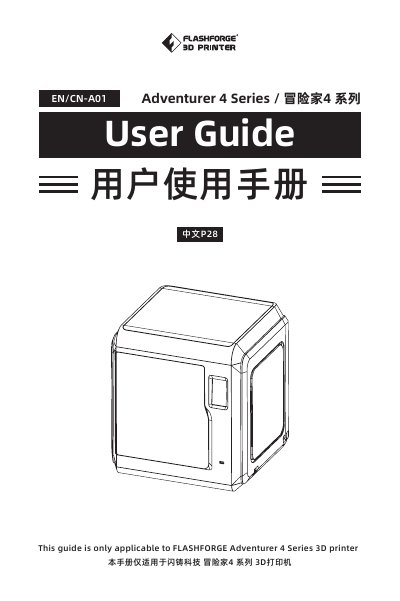
Flashforge Adventurer 4 Series 3D Printer User Guide
This user guide covers everything needed to install, configure, and operate the Flashforge Adventurer 4 Series 3D printer. It includes safety and environment requirements, component introductions, software installation, printing procedures, and detailed Q&A for common issues.
The manual also provides maintenance tips, firmware update instructions, and contact information for Flashforge support, ensuring users can keep the printer running reliably.
Covers: Component Introduction · User Interface Overview · Software Installation · Device Preparation · Printing Process · Q&A
Latest Flashforge manuals
Flashforge Adventurer 4 Series 3D Printer User Guide
User Manual 52 pages · 3.9 MB · ENThe Flashforge Adventurer 4 Series 3D printer user guide provides safety notices, setup, operation, maintenance, and troubleshooting information.
Which document do I need?
User Manual
Day-to-day operation, settings and troubleshooting. Start here if the product is already set up.
Questions answered in Flashforge manuals
How do I connect the printer to Flashforge Cloud?
Open the Flashforge cloud website (https://cloud.sz3dp.com/login.html), open the printer’s cloud interface, add the printer by entering its name and registration code, then enable the cloud switch on the printer.
How do I connect the printer to Polar Cloud?
Visit the Polar cloud website (https://polar3d.com), log in with your account and password, then enter the PIN code shown in the printer’s cloud settings to link the device.