
The Flashforge Finder 3 user manual provides setup, operation, safety, and troubleshooting instructions for the 3D printer.
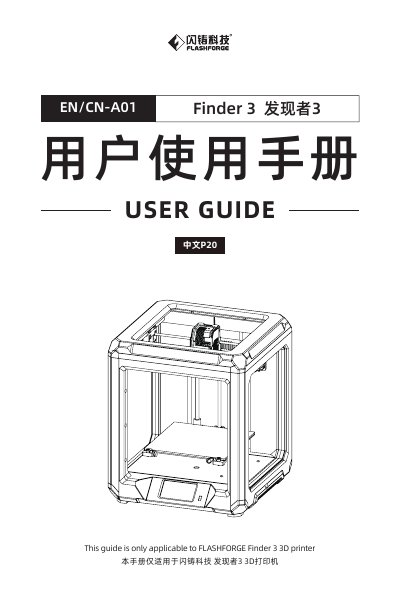
This guide covers everything needed to get the Flashforge Finder 3 up and running, from unpacking the kit and assembling the filament feed to connecting via Wi‑Fi and installing software. Detailed safety warnings and proper handling procedures are included to prevent injury and equipment damage.
The manual also contains a full list of technical specifications, common troubleshooting steps, and contact information for Flashforge support, ensuring users can maintain and service the printer effectively. This manual is written in Chinese.
| Supported filament types | PLA, PETG, TPU |
|---|---|
| Connectivity | Wi‑Fi, USB stick, internal memory |
| Input power | AC 115/230 V 50/60 Hz |
| Screen | 4.3" color touchscreen |
| Language support | Chinese, English, Japanese, French, Spanish, German |
| Print speed | ≤180 mm/s (normal 50‑80 mm/s) |
| Position precision | Z‑axis 0.0025 mm, X/Y‑axis ±0.011 mm |
Increase the platform temperature, apply glue to improve adhesion, and ensure the nozzle‑to‑platform distance is correct.
Check the temperature display; if it is abnormal, replace the thermistor, otherwise replace the heating element or its wiring.
Inspect the screen cable connections and reseat them, then refresh the firmware; if the issue persists, contact service.
Lower the retraction value, reduce printing temperature, and clean the nozzle with a cleaning needle if blocked.