
This user guide covers the setup, operation, maintenance, and troubleshooting for the Flashforge Guider 3 3D printer.
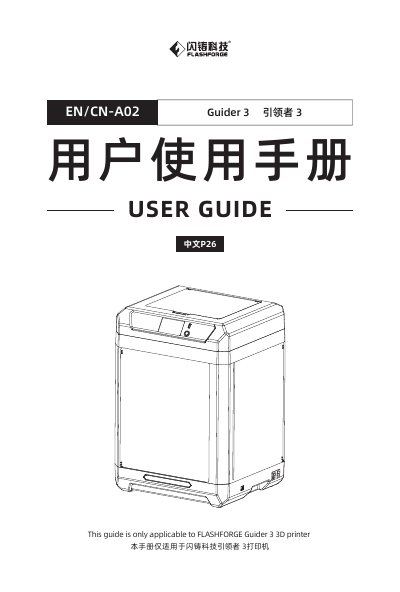
This manual provides instructions for the Flashforge Guider 3 3D printer, including equipment introduction, packing list, and safety notices. It details the preparation steps required before printing, such as power connection, filament loading, and equipment calibration.
| Build Volume | 300x250x340mm |
|---|---|
| Printing Speed | 10 ~ 250mm/s |
| Power Supply | AC100-240V/DC 24V/20.8A, 500W |
| Compatible Filament | ABS/PLA/PC/PA/HIPS/ASA/PETG/PA-CF/PLA-CF PETG-CF/PETG-GF |
| Compatible Operating System | Windows XP/Vista/7/8/10、Mac OS |
The equipment must be placed in an environment where the temperature is between 15℃ and 30℃.
The humidity should be between 20RH% and 70RH%.
The after-sales hotline is 400-886-6023.